
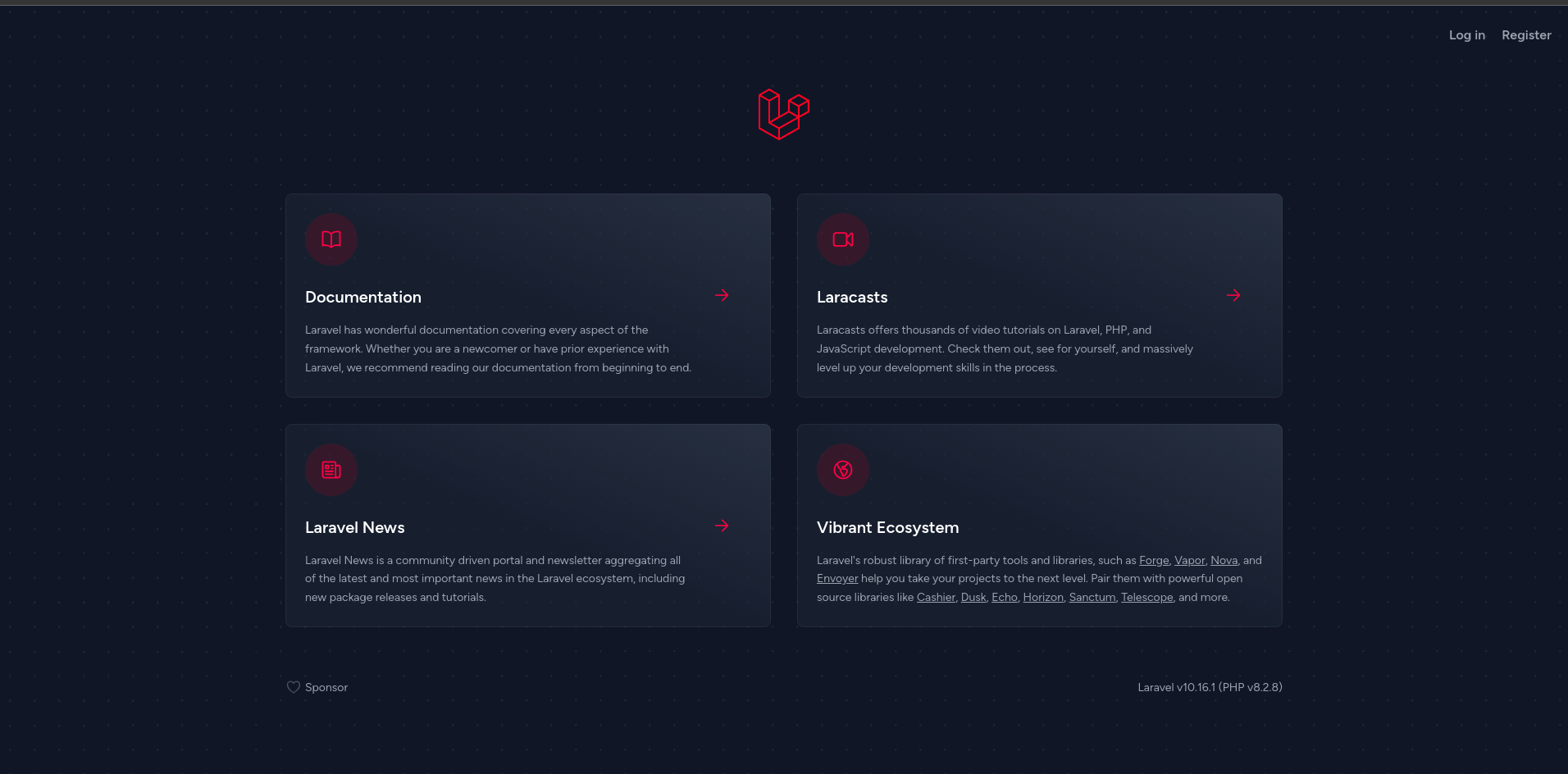
 1. show adminer in [http://localhost:8080](http://localhost:8080)
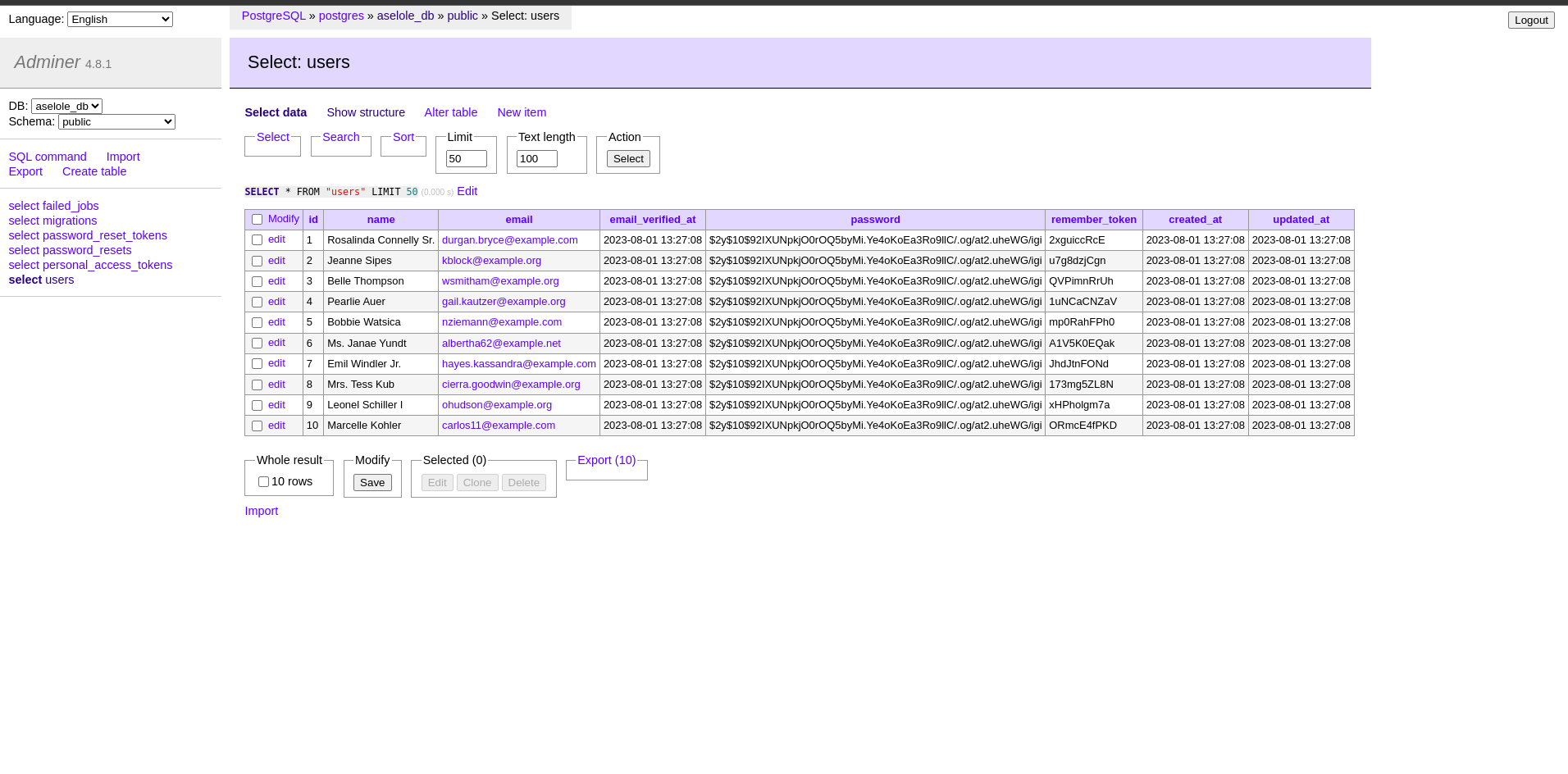 7. show pgadmin in [http://localhost:5050](http://localhost:5050)
 8. list execute command in [Makefile](Makefile).
## Container details :
- ``app`` use image:
- [php](https://hub.docker.com/_/php):8.2-fpm
- [composer](https://hub.docker.com/_/composer):2.3
- [npm](https://deb.nodesource.com/setup_lts.x):latest
- ``web`` use image:
- [nginx](https://hub.docker.com/_/nginx):stable-alpine
- ``db`` use image:
- [postgres](https://hub.docker.com/_/postgres):15
- ``adminer`` use image:
- [adminer](https://hub.docker.com/_/adminer):latest
*Optional*
- ``pgadmin`` use image:
- [pgadmin](https://hub.docker.com/_/pgadmin):latest
8. list execute command in [Makefile](Makefile).
## Container details :
- ``app`` use image:
- [php](https://hub.docker.com/_/php):8.2-fpm
- [composer](https://hub.docker.com/_/composer):2.3
- [npm](https://deb.nodesource.com/setup_lts.x):latest
- ``web`` use image:
- [nginx](https://hub.docker.com/_/nginx):stable-alpine
- ``db`` use image:
- [postgres](https://hub.docker.com/_/postgres):15
- ``adminer`` use image:
- [adminer](https://hub.docker.com/_/adminer):latest
*Optional*
- ``pgadmin`` use image:
- [pgadmin](https://hub.docker.com/_/pgadmin):latest